


Email us
For a question that can wait.
Send an emailWilson onboarding
4 minutes in total. Pick a step and watch along.
Video 1 of 6 · 25 sec
Jump straight to:
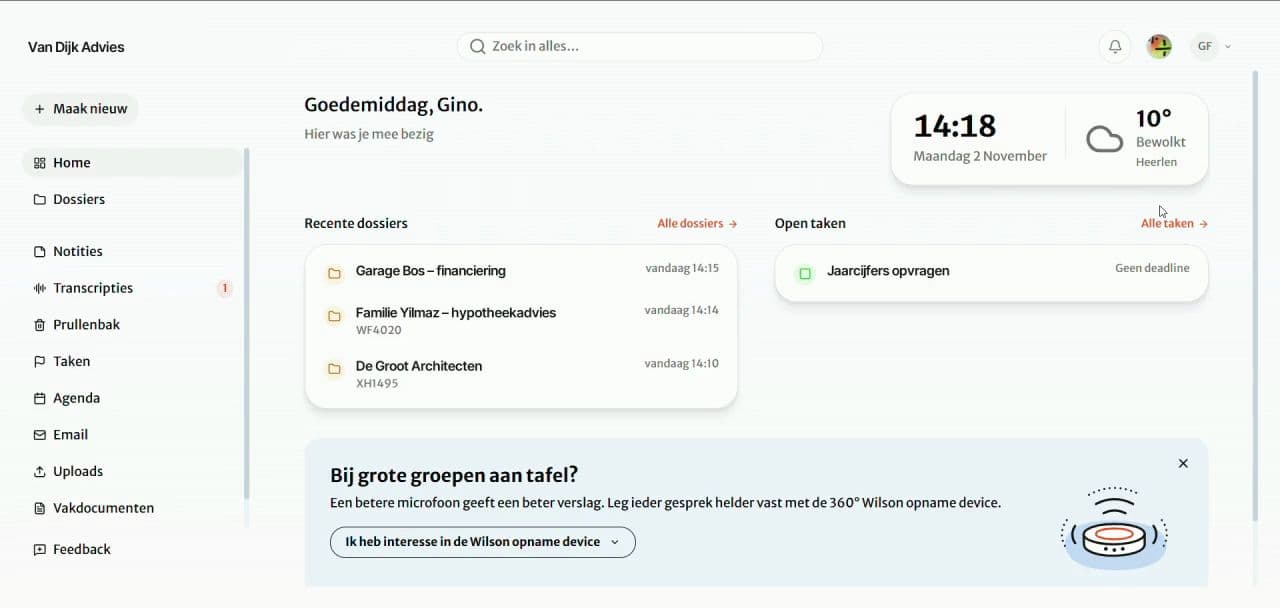
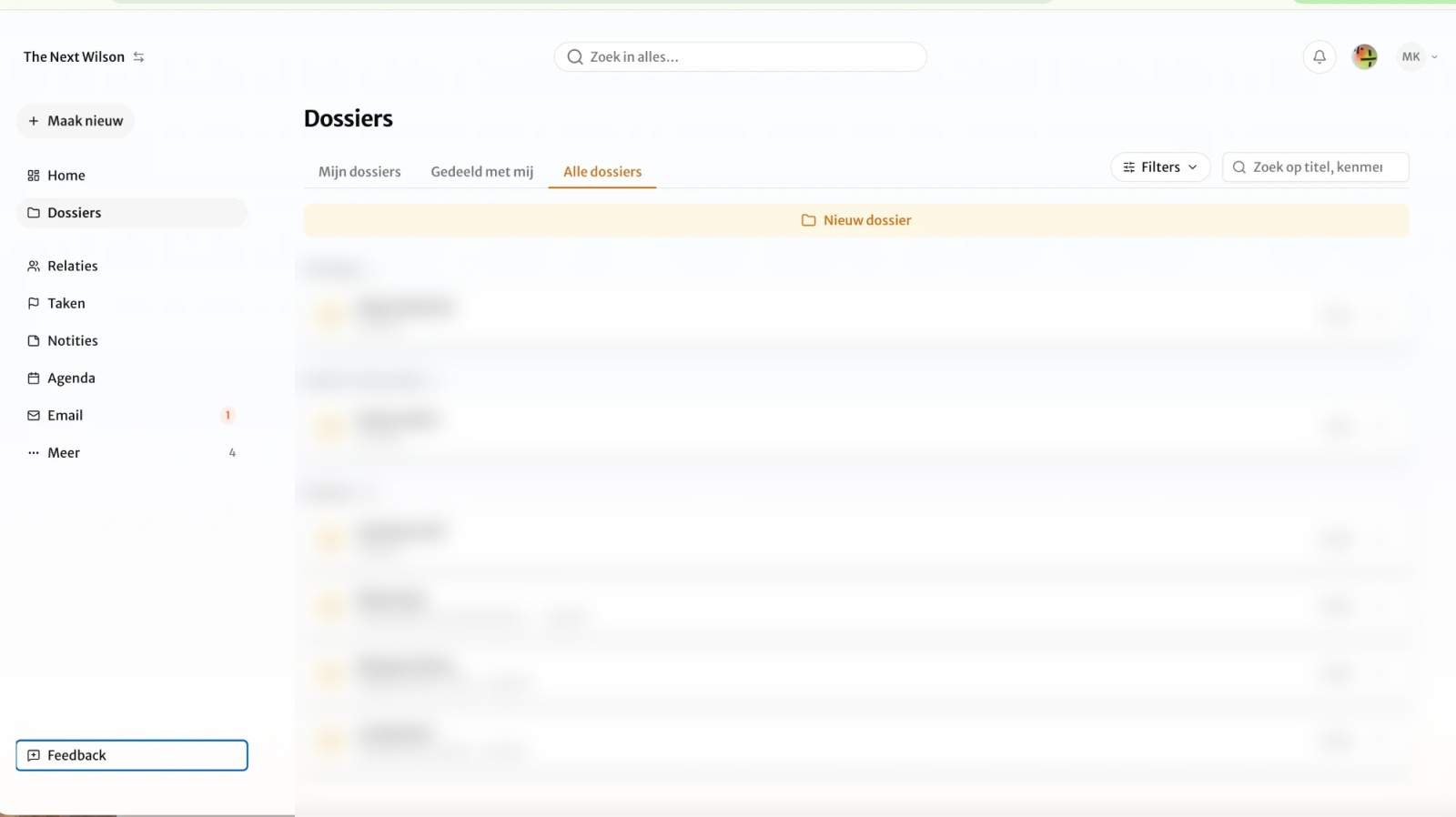
1Everything starts with a case file: one folder per client. You start on Home.
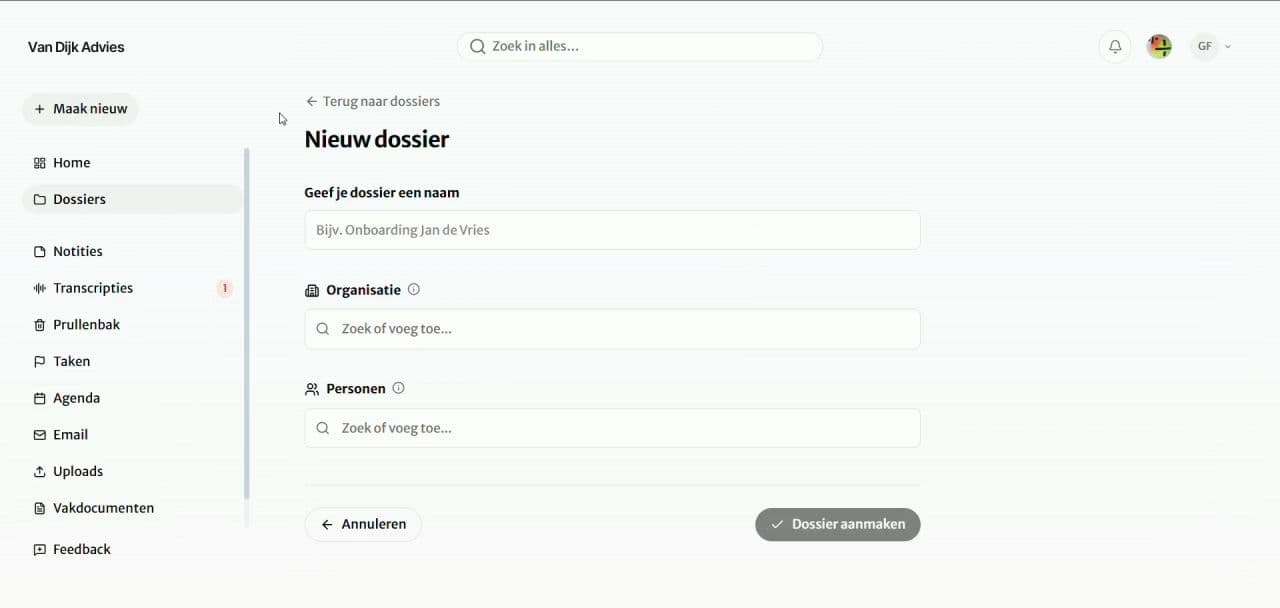
2Click Create new at the top left and choose Case file.
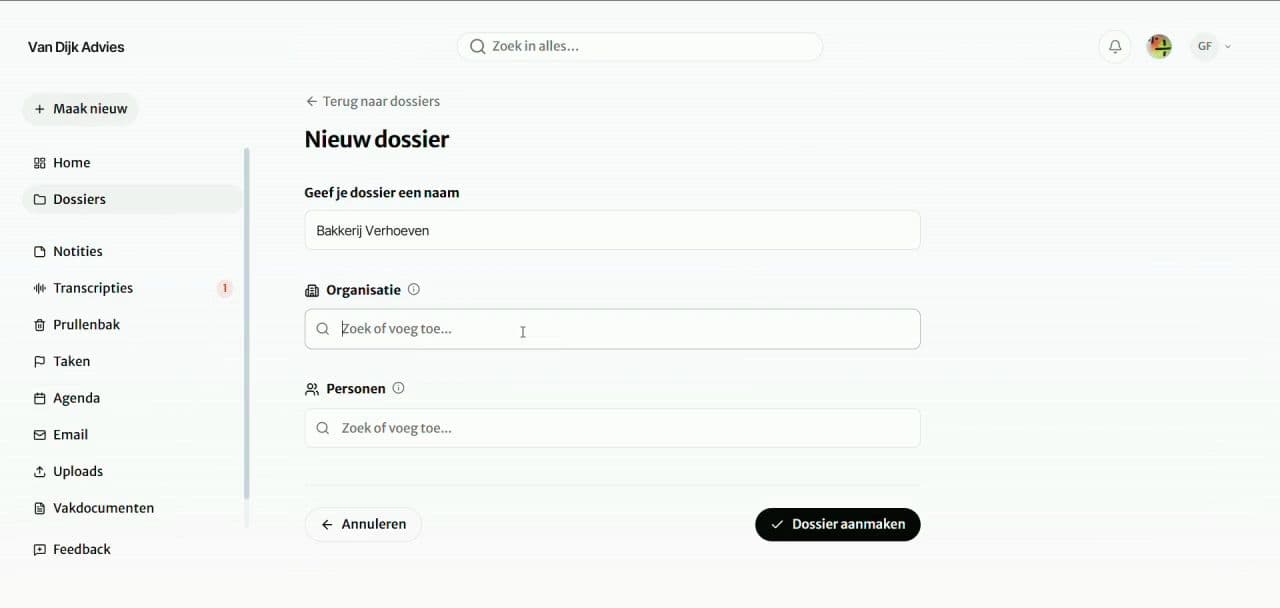
3Type your client's name in the name field.
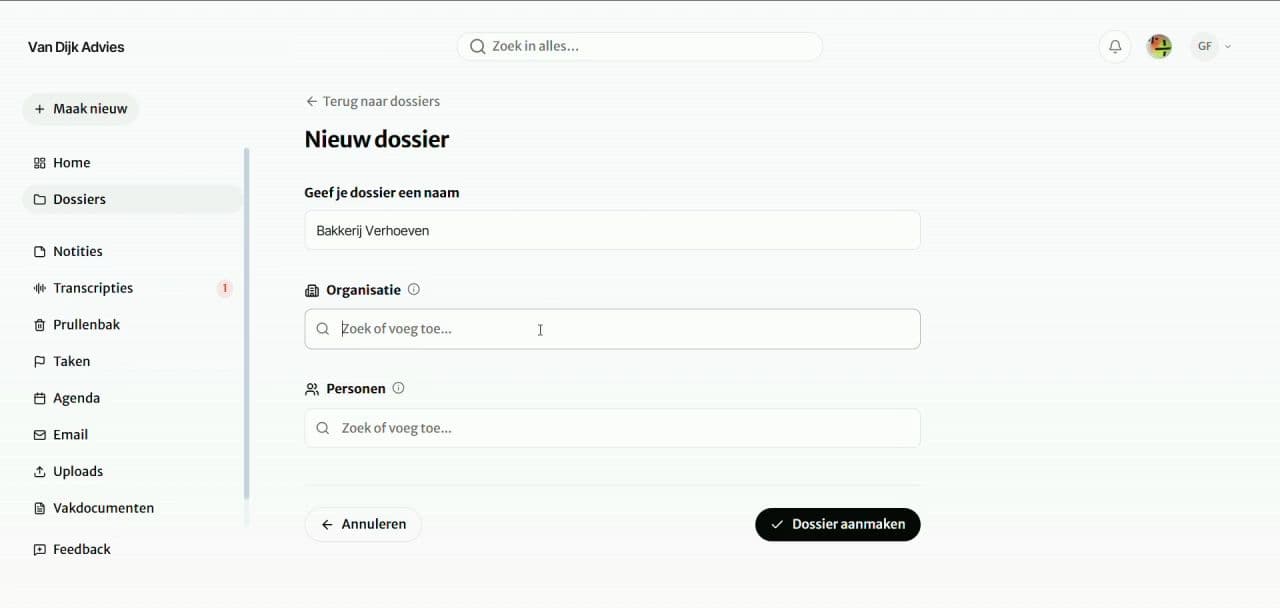
4Organisation and people are optional. You can add them later.
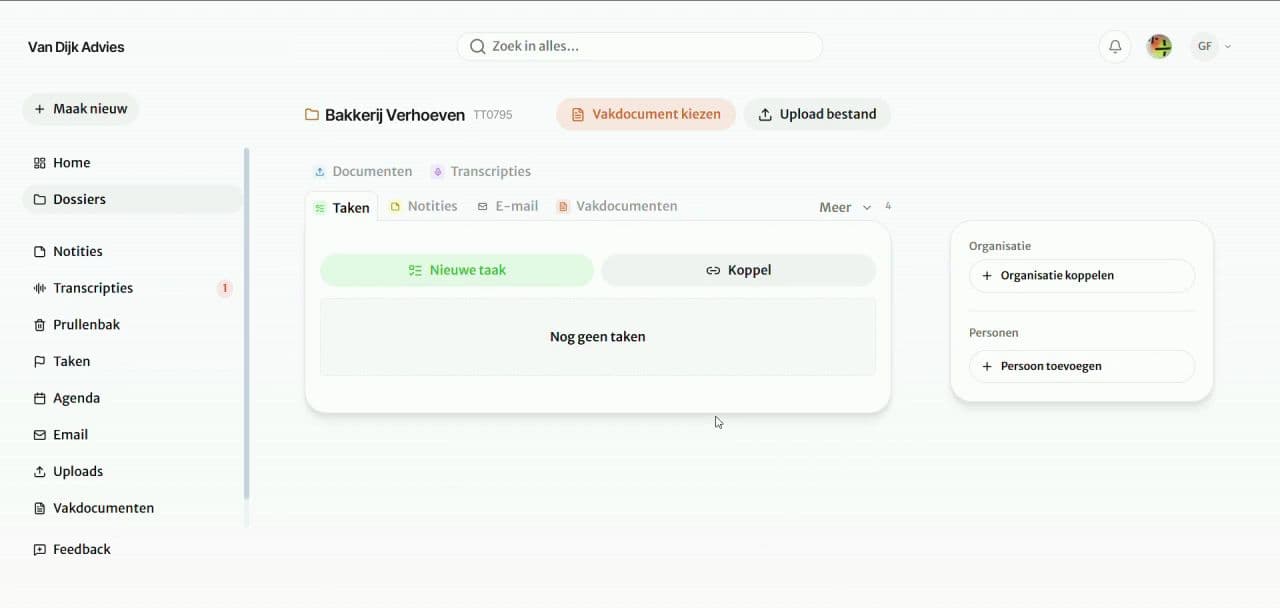
5Click Create case file at the bottom right.
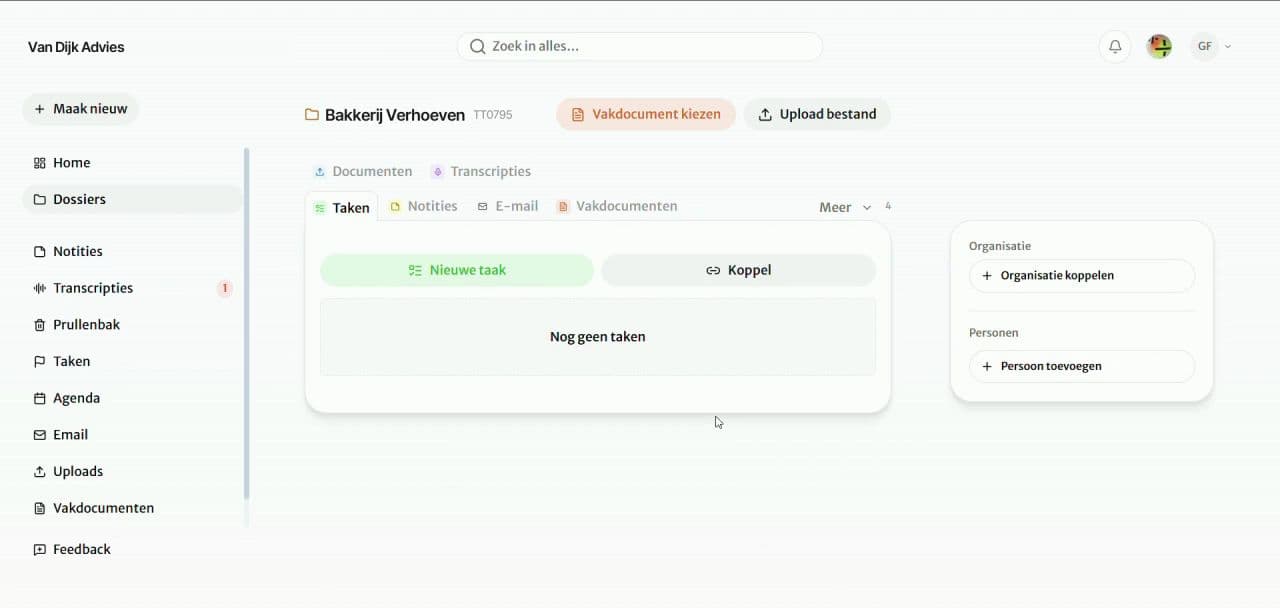
6Your case file is ready. Your conversations, tasks and documents will go here.
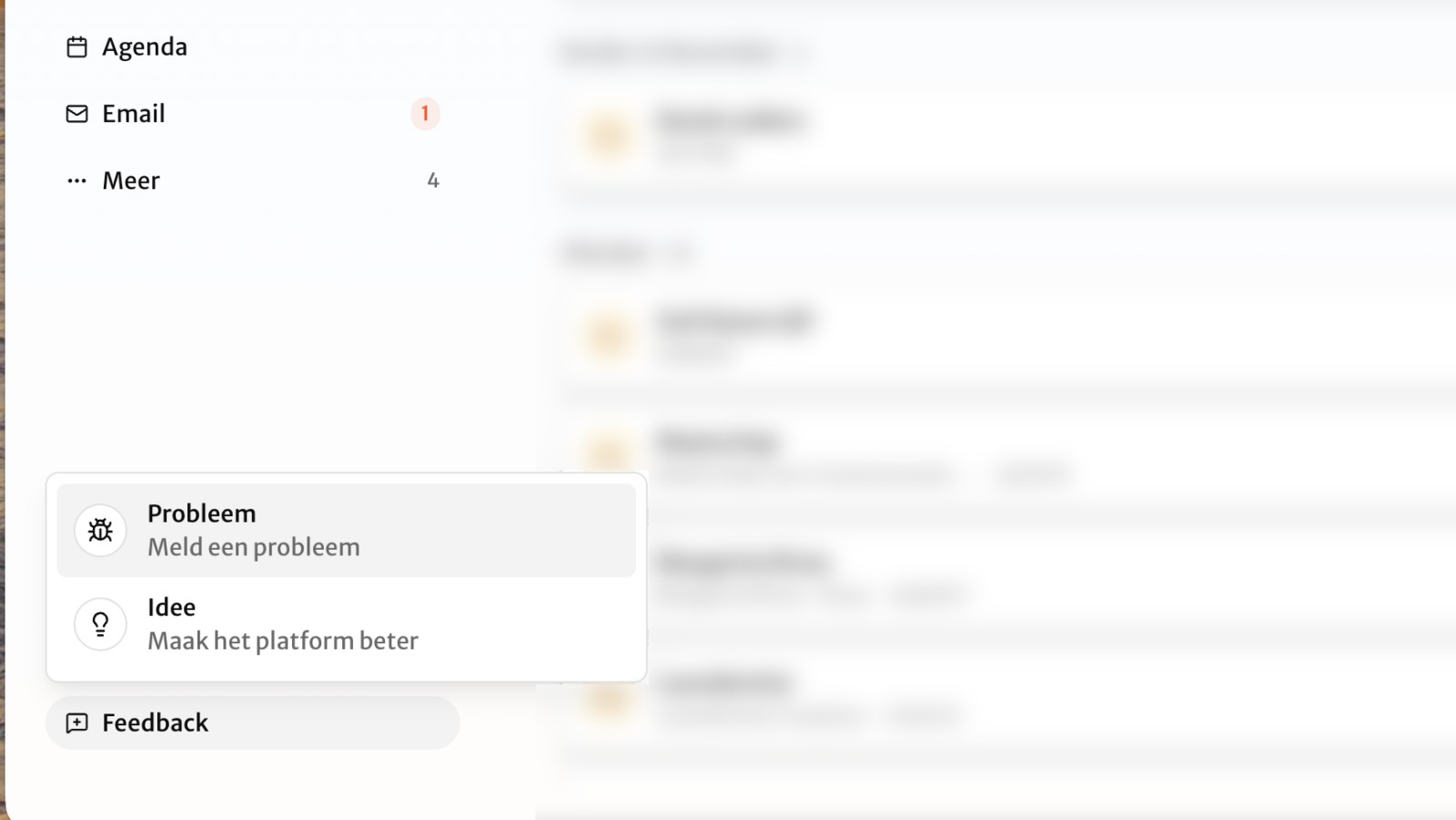
Report a problem or share your idea. We love making Wilson better every day.
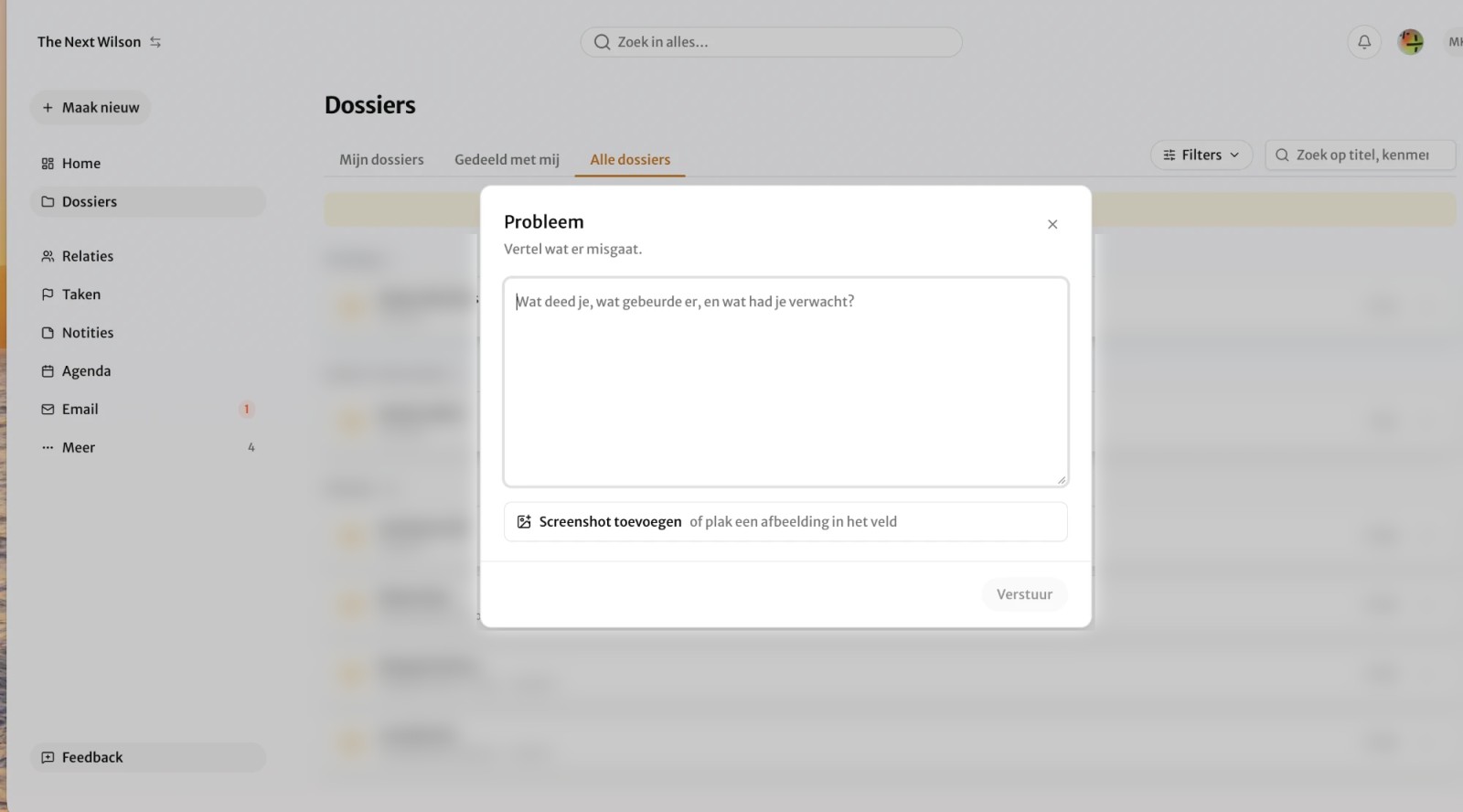 Nothing happens when I export to PDF.Send

At least 10 seconds. Wilson doesn't save shorter recordings.
No. Go to Transcripts and click Link to case file next to your recording.
Look under More. Click the pencil icon and it stays in view.
Wilson hears the voices, but doesn't know everyone's name. You tell it once.
Yes. In Transcripts, click Upload recording.
Click Send and fill in the email address. Or share the link.
Wilson finishes it. You'll find it in the case file under Documents, or in the left menu under Documents.
Wilson saves the recording as it goes. Once you're back online, you'll get a notification about the interrupted recording. Click Restore and it goes to Transcripts.
Once the upload is done, Wilson keeps working. You'll get a notification when the transcript is ready. You'll find it under Transcripts.
Wait until the Upload step is done. After that, Wilson keeps working, even with your laptop closed.
The big picture in a minute and a half: from conversation to report.

No. Client data is not used to train the underlying AI models of third parties.
In the European Union. The platform, storage and AI processing (text, document recognition and transcription) are set up there. At your request we can also run AI through other models and providers, including outside the EU. The current (sub-)processors are listed in the data processing agreement.
Access can be set per case file. The administrator of your organisation decides who can see which case file.
Yes. Inform participants in advance; your organisation is responsible for a valid legal basis. The audio is converted to text in the EU. Names and other details mentioned in the conversation may end up in the transcript.
Always check it yourself before you use, share or archive it. As a professional you remain responsible for the content. AI supports; you decide.
We process health data and other special categories of personal data on the basis of specific contractual agreements. Please discuss this with us in advance.
Your organisation then has 30 days to request an export. After that, we delete the data.
We are working towards ISO 27001 certification. It is in preparation; we expect the certificate in Q4 2026.
Want to know more about security and privacy? See all frequently asked questions
For a question that can wait.
Send an emailMore explanation or depth? Pick a time yourself.
Pick a time Emergencies only
Is something really stuck? Call directly.
06 22 98 98 56